A design and technology studio
A clearer brand. A stronger website. Less manual work.
We design brands and websites, build apps, and connect your business tools. Tell us what needs to improve.
Start with one project. Connect the next when you need it.
Open the work
See what we’ve built.
Explore the brief, our role and the decisions behind each project.
WebsiteClient work
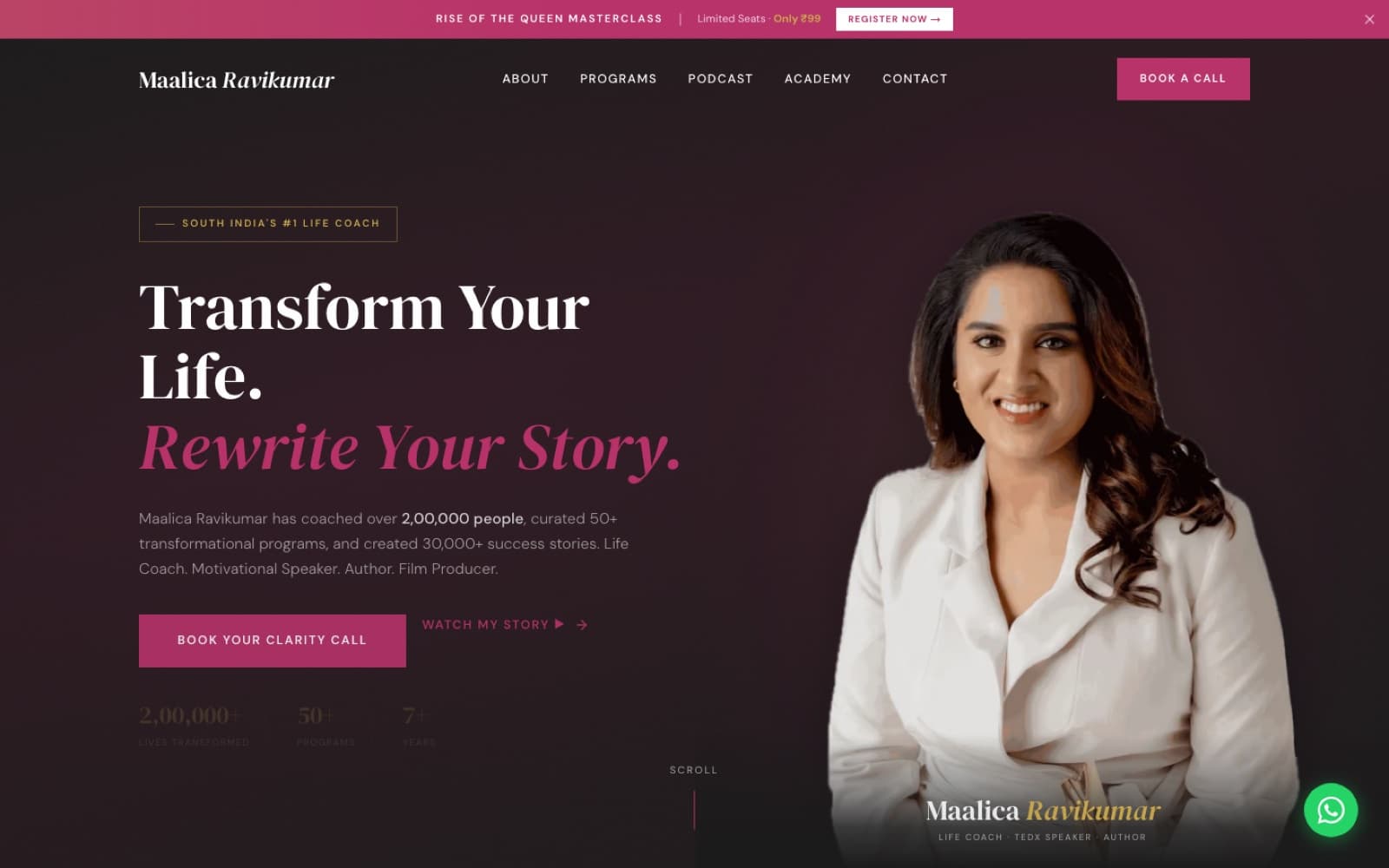
Maalica
A coaching website, offline event check-in, and one place to manage leads and payments.
Explore the website
Brand identitySelf-initiated study
ondu
One simple idea, carried through a name, identity, packaging and landing-page direction.
Explore the brand study
Mobile app · In development
Mobile appIn development
PayR
Estimates and invoices a tradesperson can send from their phone. In development for India and the UK.
Explore the product
Mobile app · In development
Mobile appIn development
FairShare
Split costs for trips, flats and dinners, see who owes what, and settle up. In development.
Explore the productWhat we can build together
What does your business need?
Choose a service, or ask us where to start.
- 01WebsitesHelp customers understand your business and enquire, book or buy.Websites:
- 02Mobile appsTake your app from idea to a working first release.Mobile apps:
- 03AutomationsConnect your tools. Cut repetitive admin.Automations:
- 04BrandingA recognisable identity across your website, packaging and marketing.Branding:
- 05SaaS & custom softwareCustomer portals, internal tools and software you can sell.SaaS & custom software:
A complete identity, clearly scoped
A recognisable brand, from your logo to your launch.
Start with a logo, or build your whole brand. You’ll know exactly what’s included before we begin.
Compare what each scope includesLogo Essentials
A logo, ready to use.
Complete Brand Identity
A full visual system.
Brand Launch System
Your brand, ready for market.
Look a little closer
Behind the finished work.
See the screens, decisions and handover.
Maalica · from first visit to the weekly numbers
From website visit to student enrolment.
Real screens from one client’s system. Dashboards are shown with sample data.
- Live site
01
Arrive from the website
Visitors explore programmes and book a call or masterclass.
 Sample data
02
Become a lead, join a session
Track registrations, attendee numbers and where people came from.
 Sample data
03
See the week's money at a glance
See revenue, unpaid balances and ad spend. Track how many leads became students.
 Sample data
04
Know what sold, and who sold it
See sales by programme and mentor to guide commissions and follow-ups.
Three choices, in ordinary language
- Maalica
Design the event day for a phone at a busy desk.
Staff can search a name or scan a QR code. If Wi-Fi drops, check-ins queue until the connection returns. The founder's dashboard shows every number against its target.
- ondu
Let one idea decide everything.
“One cup, slowly” is the test for every choice in the ondu study: the ring mark, the soft serif, the warm palette, the unhurried landing page. When the idea is clear, the system stays consistent without a thick rulebook.
- Glip
Lead with one number a person can act on.
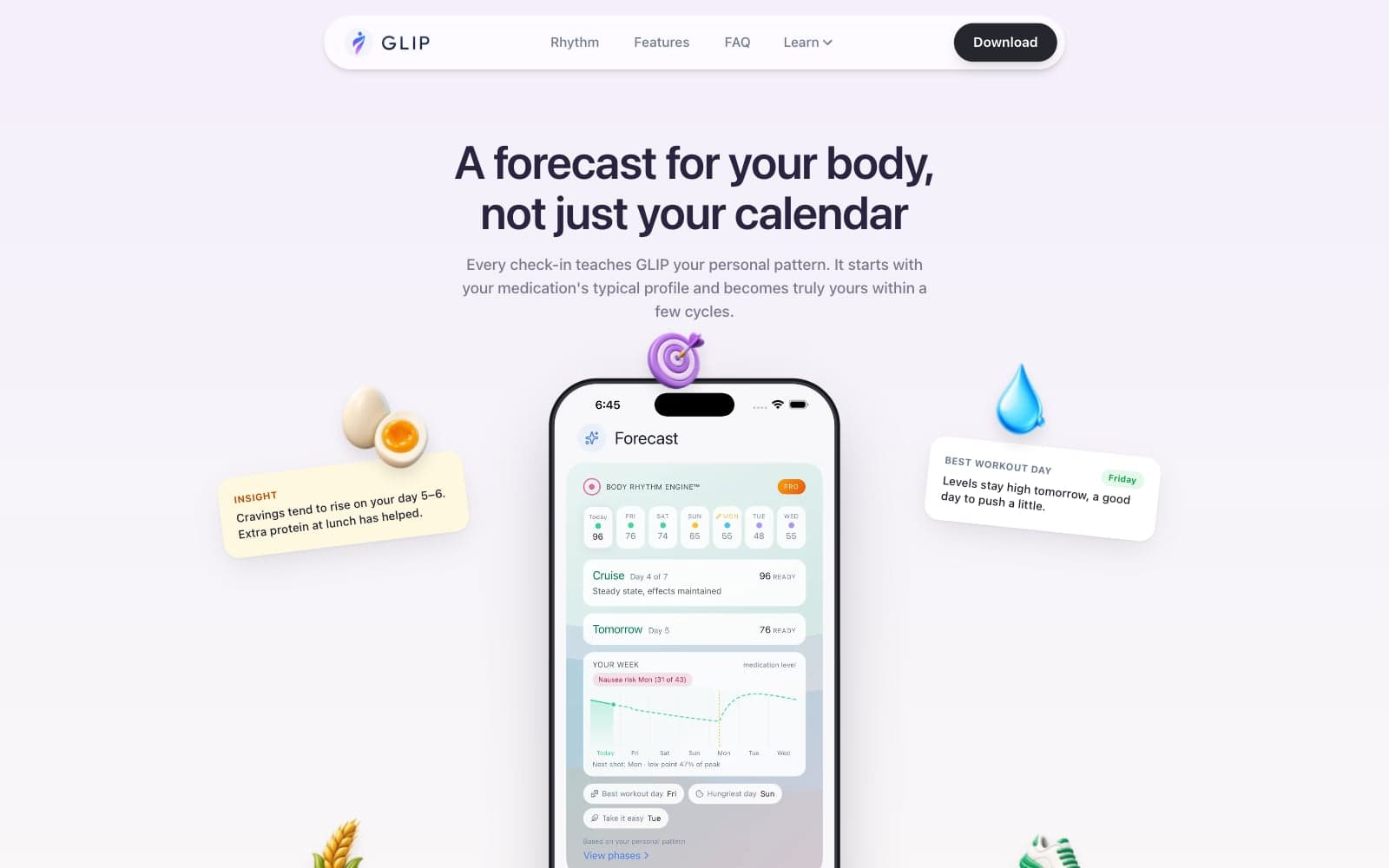
Glip's home screen shows a single readiness figure and a plain sentence instead of a wall of charts. The detail is one tap away for the people who want it.
Sample handover
What you receive when a website project ends.
This is a sample structure, labelled as such. The exact contents are listed in each proposal. It shows the point: the finished work should be organised, accessible and ready for the next person who needs it.
Handover index · sampleSample
- 01Access inventoryDomain, hosting, analytics, form destination and any third-party accounts, with who owns each one.
- 02Editing guideHow to change the content your team updates regularly, with screenshots of each step.
- 03Source files and exportsDesign files, logo masters, image originals and the code repository, organised by use.
- 04Launch checklistWhat was checked before go-live: devices, links, forms, metadata, indexing and accessibility.
- 05Support notesThe agreed support period, how to report an issue and what falls outside the scope.
How we work
Clear steps. Useful decisions. Work you can review.
- 01
Define the project
We agree the goal, audience and first version.
- 02
Review the direction
You review the design or prototype before we build.
- 03
Build and test
We build the approved work and test the key tasks.
- 04
Launch and hand over
We organise your files and access, then show your team how to use the result.
Built with an operator’s perspective
Good software starts with understanding the work.
Missed enquiries. Duplicate data entry. Tasks held in someone’s memory. Our business experience taught us to spot these problems, and to build around them.
Ask before you plan
- Where does work slow down?
- What does your team repeat?
- Where do mistakes happen?
- What breaks on a busy day?
- Which numbers tell you it’s working?

Then
Test before you build.
Useful before you start
Make the next decision with a clearer picture.
Practical guides to planning a website, building a brand and choosing the right software for your business.
- Websites
What should a business website actually do?
Help visitors understand, trust and choose your business.
Read the guide - Branding
Logo or brand identity: what does your business need?
What each includes, and which your business needs.
Read the guide - Automation
What should you automate first?
Choose a repeated task with clear rules and a way to handle errors.
Read the guide
Questions
A few things you might be wondering.
Can we start with just one service?
Yes. You can come to us for a website, app, automation, brand identity or software project. We can connect additional pieces later if they are useful.
We know the problem, but not what to build. Can you help?
That is a useful place to start. We can map the current process, explore options and define the first version before committing to a larger build.
Can you work with our existing brand or software?
Yes. We begin by reviewing what is already there, then agree what to keep, improve or replace.
How much will the project cost?
Cost mainly depends on how many pages or screens are involved, whether we write the content, which tools need connecting (payments, bookings, a CRM) and how much is custom-built. After a conversation we recommend a scope and send a tailored quote, with any third-party fees listed separately.
How long will it take?
The biggest factors are the scope, how quickly content and feedback arrive, and outside approvals such as App Store review or payment-provider onboarding. Your proposal sets out the milestones and review points before work starts.
Who owns the finished work?
You do. Once the project is paid in full, you own everything we made for it: the code, design files, logo masters and content. Third-party items such as fonts, stock images or paid plugins stay under their own licences, and we list them in the proposal.
What happens after launch?
We agree the initial support period and handover as part of the project. Maintenance, improvements and further releases can be scoped separately.
Do you use AI?
We use AI where it helps us explore and build. Our team makes the decisions, checks the work and stays responsible for what we deliver.
What would you like your business to do better?
Tell us what you want to build or improve. A rough idea is enough.