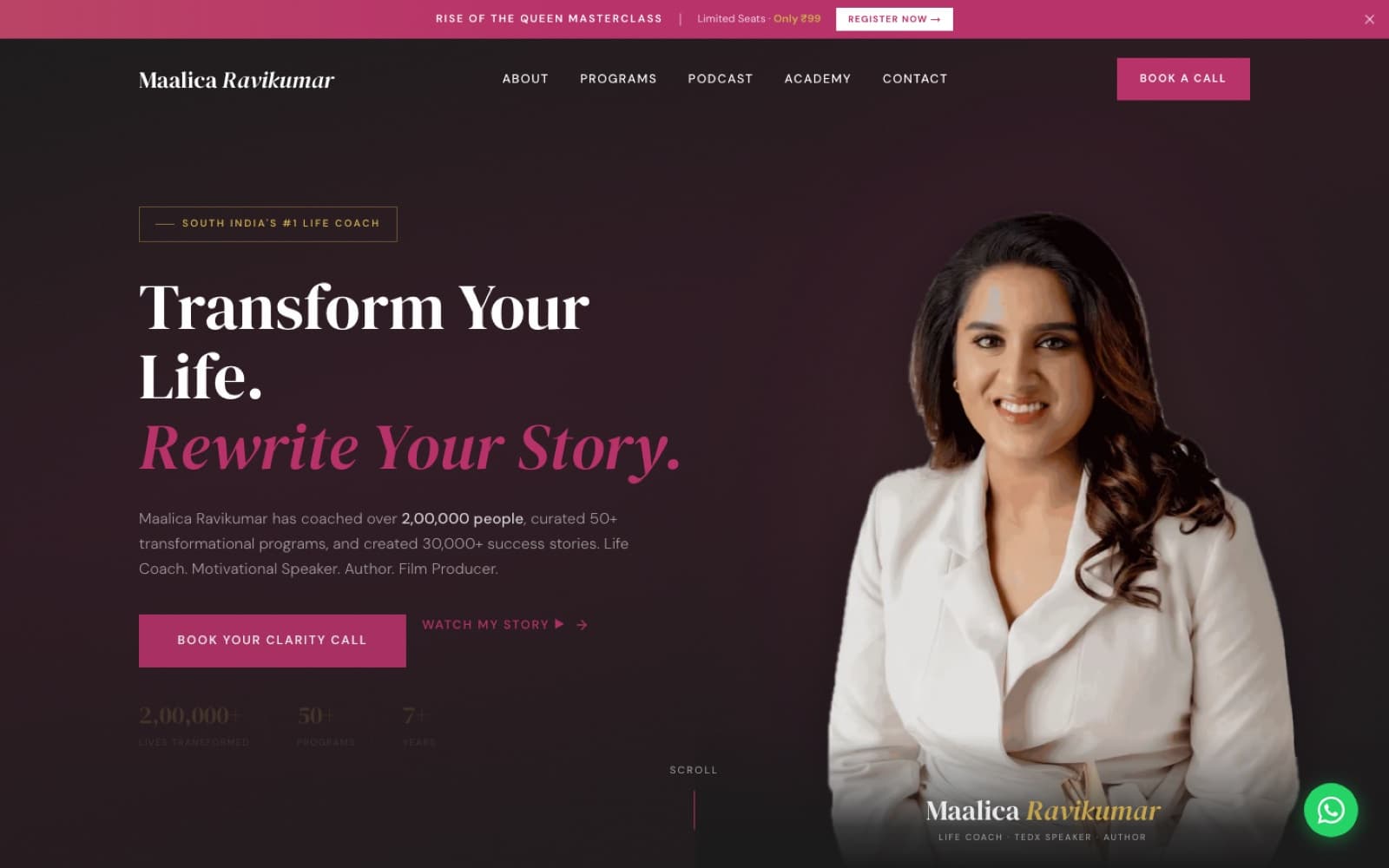
WebsiteClient work
Maalica
A coaching website, offline event check-in, and one place to manage leads and payments.
Explore the website
Business automations and integrations
We connect your existing tools to reduce copying and chasing. Your team keeps control of important decisions.
For teams tired of
What we do
| Work | In ordinary language | What you receive |
|---|---|---|
| Workflow review | Follow how the work happens today | A map of the current steps and bottlenecks |
| Tool and access review | Check what the existing systems can safely connect to | An integration and account-access plan |
| Automation design | Decide what starts the workflow and what should happen next | A proposed workflow with rules and responsibilities |
| Integration build | Connect the agreed forms, records, messages and tools | Working integrations in the agreed platform |
| Data checks | Make sure missing or repeated information is handled | Validation rules, duplicate protection and clear exceptions |
| Human review | Keep sensitive or uncertain actions with the right person | Approval steps and a manual route where needed |
| Failure handling | Make problems visible instead of silently losing work | Retry rules, alerts and a readable execution history |
| Testing | Run normal cases and things that can go wrong | A test record using approved sample data |
| Handover | Let your team understand and control the workflow | A workflow diagram, pause/restart instructions and ownership notes |
How the work moves
Each step ends with something you can review. Read how we work.
Follow one piece of work through the business and agree a baseline.
Design the trigger, the steps, the approvals and the failure path.
Connect the agreed tools with validation and duplicate protection.
Test the normal case and the awkward cases with sample data.
Document the workflow, who owns it and how to pause or restart it.
See the structure
If a step fails (a missing email address, a disconnected account, a provider error), the workflow stops, retries where safe, alerts a named person and keeps the enquiry visible. A retry never creates a second record or sends the same message twice.
Demonstration · sample data only
SampleChoose a scenario and run it. This runs entirely in your browser with made-up data. It does not send messages, create records or contact any live system.
These are illustrations of what a first workflow can look like, not claims about completed projects.
All depend on the tools' supported connections, subscription plans and appropriate permissions. WhatsApp and email messaging must use an authorised account and the platform's current rules.
Proof you can open
Rather than a customer quote, we show the structure: what starts the workflow, what happens next, where a person reviews it and what happens when something fails. The Maalica platforms connect registrations, payments, commissions and a live dashboard; the OSTRA study applies the same thinking to a repeat-order flow.
A coaching website, offline event check-in, and one place to manage leads and payments.
Explore the website
A coherent beauty brand plus shopping and repeat-order concepts.
Explore the brand studyWe measure the current workflow, then compare it after launch: time spent, manual steps and missed handovers.
Available integrations depend on your tools. Ongoing monitoring and maintenance are scoped separately.
Questions
Tell us what you want to build or improve. A rough idea is enough.